Bookmarks
Capture pages, links, or every open tab with duplicate protection and bulk organization.
 MarkHavenYour web, kept private
One private home for bookmarks, Collections, and Tab Groups. Run it in Docker, connect Edge and Chrome, and decide exactly where your browsing library lives.
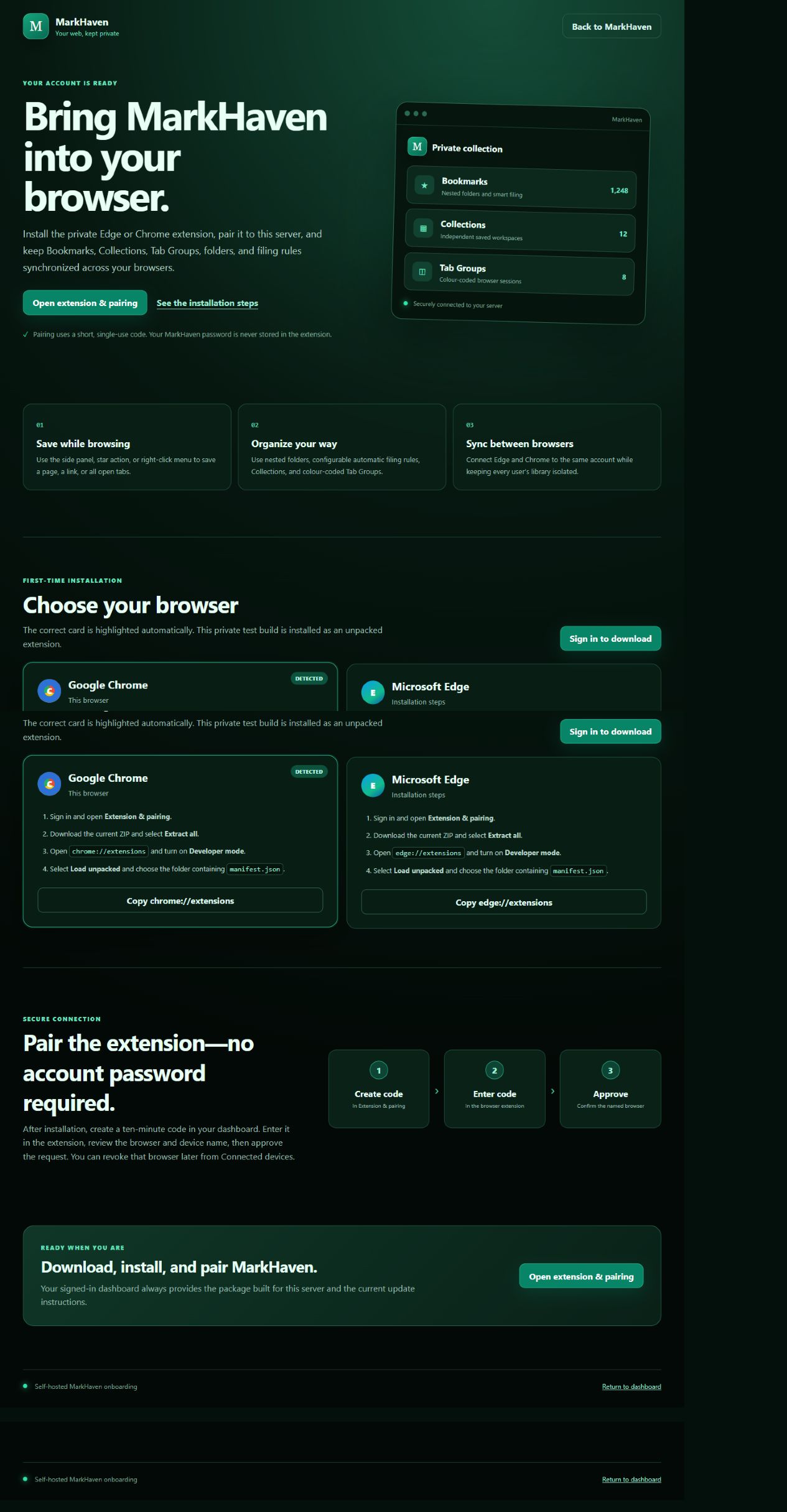
Inside MarkHaven
Every part is designed as one connected private library, from the right-click save action to server-side administration and recovery.
Capture pages, links, or every open tab with duplicate protection and bulk organization.
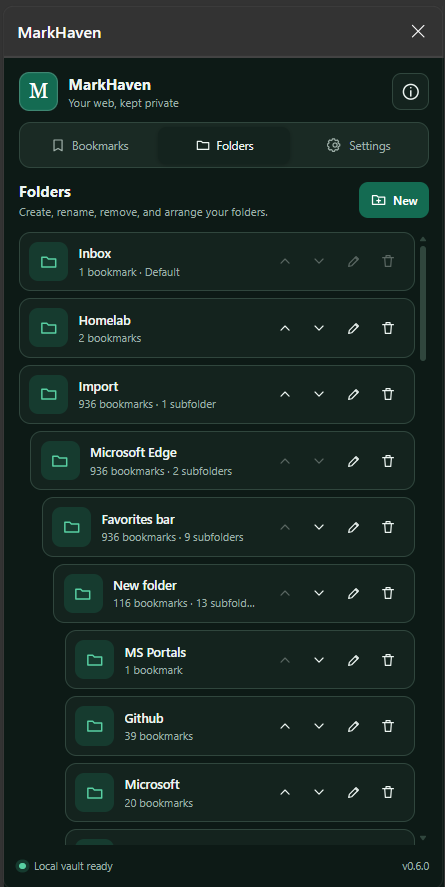
Build a real hierarchy, preserve imported structures, and synchronize folder order.
Route YouTube, GitHub, Docker Hub, or any configured domain to the right folder.
Keep durable research and project sets independent from the bookmark library.
Save colour-coded browser sessions, synchronize them, and reopen selected groups.
Keep Edge and Chrome aligned through one private account on your server.
Local accounts, invitations, device pairing, TOTP MFA, and Microsoft 365 SSO.
Encrypted ZIP backups locally or in OneDrive, with validation before restore.
MarkHaven lives in the browser side panel, giving daily tools enough room while the page you are browsing remains visible.
Browser extension 0.22.0 for Edge and Chrome. Extract the ZIP and load the folder as an unpacked extension. For a package configured for your server, use its Get started page.
Use the star, side panel, or right-click menu for a page, link, or every open tab.
Search, star, move, bulk-select, file, and restore directly in the panel.
Approve each browser with an expiring pairing code and revoke it later from Devices.
Docker architecture
Start simply with one application and SQLite, or connect PostgreSQL and Microsoft services as the deployment grows.
The MarkHaven container is more than an API. It carries the user experience, administration, onboarding, extension delivery, health checks, and recovery tools needed to operate it.
Review the repository ↗Bookmarks, folders, Collections, Tab Groups, devices, activity, and personal security.
Server address, invitations, identity, email delivery, backups, accounts, and maintenance.
A server-bound ZIP, browser instructions, version checks, and secure device pairing.
Health endpoints, database migrations, backup validation, safe pruning, and restore previews.
Deployment building blocks
Compose files layer together deliberately, keeping the base reusable while database and image choices remain explicit.
compose.ymlThe shared MarkHaven service, volumes, health checks, and runtime settings.
Gitea containerPull git.mget.ca/mget/markhaven:0.33.6. The browser extension is separately versioned 0.22.0.
compose.postgres.ymlAdds a managed PostgreSQL container beside MarkHaven.
compose.postgres-external.ymlConnects MarkHaven to an independently managed database server.
Control is a feature
Invite separate users, synchronize multiple browsers, use Microsoft 365 SSO, require TOTP, manage connected devices, and send encrypted backups to OneDrive—without turning the data layer over to a browser vendor.
Explore the source, deployment documentation, extension, and current release on Gitea.